HOA and community association management
HOA management automation: more doors per community manager, without longer days.
Your management fee is fixed per door for the year. The requests are not. EmpowerFrame helps HOA and community association management companies route the predictable work automatically, so community managers spend their hours on board relations, site walks, and the decisions that need a person.
A short written review of how owners, residents, and boards find and reach your company, with one growth method to try first. Free. Built from public information only. A person replies by email within two business days.
The math of a management company
Margin is decided per door, then spent one request at a time.
Most association management contracts set the fee per door per month. The work behind that fee arrives as homeowner calls, ARC applications, violation reports, estoppel requests, vendor invoices, and board packets, and every one handled by hand is paid for out of the same fixed fee.
Profit =
Term 1
Doors under management
Grows when you win communities, and when managers can take on more of them.
Term 2
Fee per door
Set in the management agreement, plus the estoppel, resale, ARC, transfer, and late-notice fees your contracts and state law allow.
Term 3
Total cost to serve
Mostly staff time, summed across every door. Lowering it per door is what automation changes.
Winning communities, keeping renewals, and delivering ancillary work grow the first two terms, and lowering the cost to serve each door is how a management company grows without burning out its community managers. EmpowerFrame works on both, usually starting with growth.
Ancillary fees are revenue too, and the ceiling on them is usually processing capacity. An estoppel or resale certificate that takes a manager most of a morning is income the firm can only earn as fast as staff can produce it.
If ARC, violation, or board requests are the bottleneck, see how we redesign one workflow
Have a request path in mind? Show us what you want to improve
Where the hours go
Seven workstreams, most of them predictable.
The same request types arrive every week. Each one has a pattern that can be captured, routed, and tracked, and a point where a manager, the committee, or the board decides.
Maintenance and common areas
Automated: One intake for the portal, email, text, and phone captures the location, photos, and urgency, opens the work order, and routes it to the contracted vendor. Leak, flood, and fire keywords page the on-call manager.
A person decides: Emergency entry, damage responsibility, and spending above the approval limit.
ARC applications and violations
Automated: Applications are checked against the design guidelines for missing documents before they reach the committee. Violation reports are logged with photos and location, matched to the CC&R section, and a notice to cure is drafted for review.
A person decides: Site verification, committee decisions, and any fine, which follows notice and a hearing.
Estoppels, resales, and collections
Automated: Requests are logged with their closing date, deadline, and fee. The ledger balance, open violations, and special assessments are assembled into a draft certificate, and payment-plan requests are routed with the account history attached.
A person decides: Every figure on a certificate the association will be held to, and every hardship decision.
Accounts payable
Automated: Vendor invoices are read, given a suggested GL code, and matched to the work order and the approved amount before they reach the treasurer.
A person decides: Coding exceptions, anything that does not match, and approval at the limits the board sets.
Vendor compliance
Automated: Certificates of insurance are read on arrival, coverage limits and expiration dates are tracked, and a vendor whose coverage has lapsed is flagged before the next dispatch.
A person decides: Which vendors the association uses, and any exception to its insurance requirements.
Governing documents
Automated: CC&Rs, bylaws, rules, and board minutes become searchable by question, so a manager asking about shed heights in one phase gets the answer with the section it came from.
A person decides: Interpretation. When the documents are unclear, the answer goes to the board or association counsel.
Homeowner services and board support
Automated: New-owner welcome packets, amenity reservations, and common questions answered from the governing documents. Monthly board packets assembled from financials, open work orders, ARC decisions, and violations, with a draft management report.
A person decides: Waivers, disputes, what goes to the board, and anything the minutes will record.
Win more communities
Give the board a reason to choose your firm.
Boards of volunteer homeowners choose and renew management companies largely on responsiveness, transparency, and cost containment. The same systems that lower your cost to serve each door give you something concrete to show in the next proposal.
Responsiveness board members notice
Every routine request is acknowledged right away and tracked to done, so a board member's question never sits in one manager's inbox.
Transparency without extra reports
A live view of open work orders, pending ARC decisions, violations, and financials, instead of a status update someone has to assemble before each meeting.
A trail a treasurer can trust
Every invoice matched to its work order and approval before it is paid, and vendor insurance on file and current, with the record to prove it.
Managers who can stay
Less paperwork means more time on board relations and site walks, and less of the burnout that makes manager turnover so expensive.
What you commit to a board is your decision. The point is that your systems let you keep it.
Before and after
An estoppel certificate, before and after
Estoppel and resale certificates are binding, deadline-driven, and income for the firm. Here is one request followed from the title company's email to the signed certificate.
Lot 87, resale
Draft, unsigned- Account balance
- $0.00Pulled from the ledger
- Open violations
- None on record
- Special assessments
- 1 open, $250Due before closing
- Transfer fee
- Per CC&Rs §7.2AI draft, section cited
Person decides Awaiting signature
Manager verifies every figure and signs. Nothing is issued unsigned.
Today
5 steps, held together by hand
- A title company emails a request with a closing date, and someone forwards it to whoever is free.
- Staff pull the owner's ledger, open violations, special assessments, and any legal holds from separate screens.
- Someone rereads the CC&Rs for transfer fees, leasing caps, and rental restrictions.
- The certificate is typed from a template and checked again against the ledger.
- Rush requests interrupt everything else on the desk.
Redesigned
- 3 Automation
- 1 AI drafts
- 1 Person decides
Automation
The request is logged with its closing date, the deadline that applies, and the fee, which is collected before work starts.
Automation
The ledger balance, open violations, special assessments, and pending legal matters are pulled into one draft certificate.
AI drafts
Transfer fees, leasing caps, and rental restrictions are drafted from the governing documents, each with the section it came from.
Person decides
A manager verifies every figure and signs. Nothing is issued unsigned.
Automation
The signed certificate goes to the title company, and the request closes with its turnaround recorded.
An illustrative design, not a client deployment. In many states the law sets estoppel fees, deadlines, and required contents, and those rules decide the details.
Before and after
An ARC application, before and after
Architectural review is where homeowners feel the speed of management most directly. Here is one fence application followed from submission to decision letter.
Fence replacement, Lot 112
3 of 4 ready- Survey with fence line
- Height: 6 ftGuidelines allow up to 6 ft, §4.3
- Materials and colorNot listed. Requested from the owner.
- Neighbor notice
AI drafts Flagged with the guideline section
- Committee decides once the packet is completePerson decides
Today
5 steps, held together by hand
- The owner submits a paper or PDF form, often without the survey, height, or materials.
- The manager logs it and emails back and forth for the missing pieces.
- A packet is assembled by hand and emailed to committee members.
- Votes come back by reply-all, and a decision letter is typed from a template.
- The owner calls to ask where it stands.
Redesigned
- 2 Automation
- 2 AI drafts
- 1 Person decides
Automation
An online application asks for exactly what the project type needs: for a fence, the survey, height, and materials.
AI drafts
The submission is compared with the design guidelines, and missing documents or likely conflicts are flagged with the guideline section.
Automation
Complete packets go to the committee with a summary and a decision date, and the owner is told where it stands.
Person decides
The committee approves, approves with conditions, or denies.
AI drafts
The decision letter is drafted with the guideline sections cited, and the manager reviews it before it goes out.
An illustrative design, not a client deployment. Your design guidelines, CC&Rs, and committee charter decide the details.
At the committee table
Bring the board a complete file.
The meeting is for the decision, not for chasing what is missing.
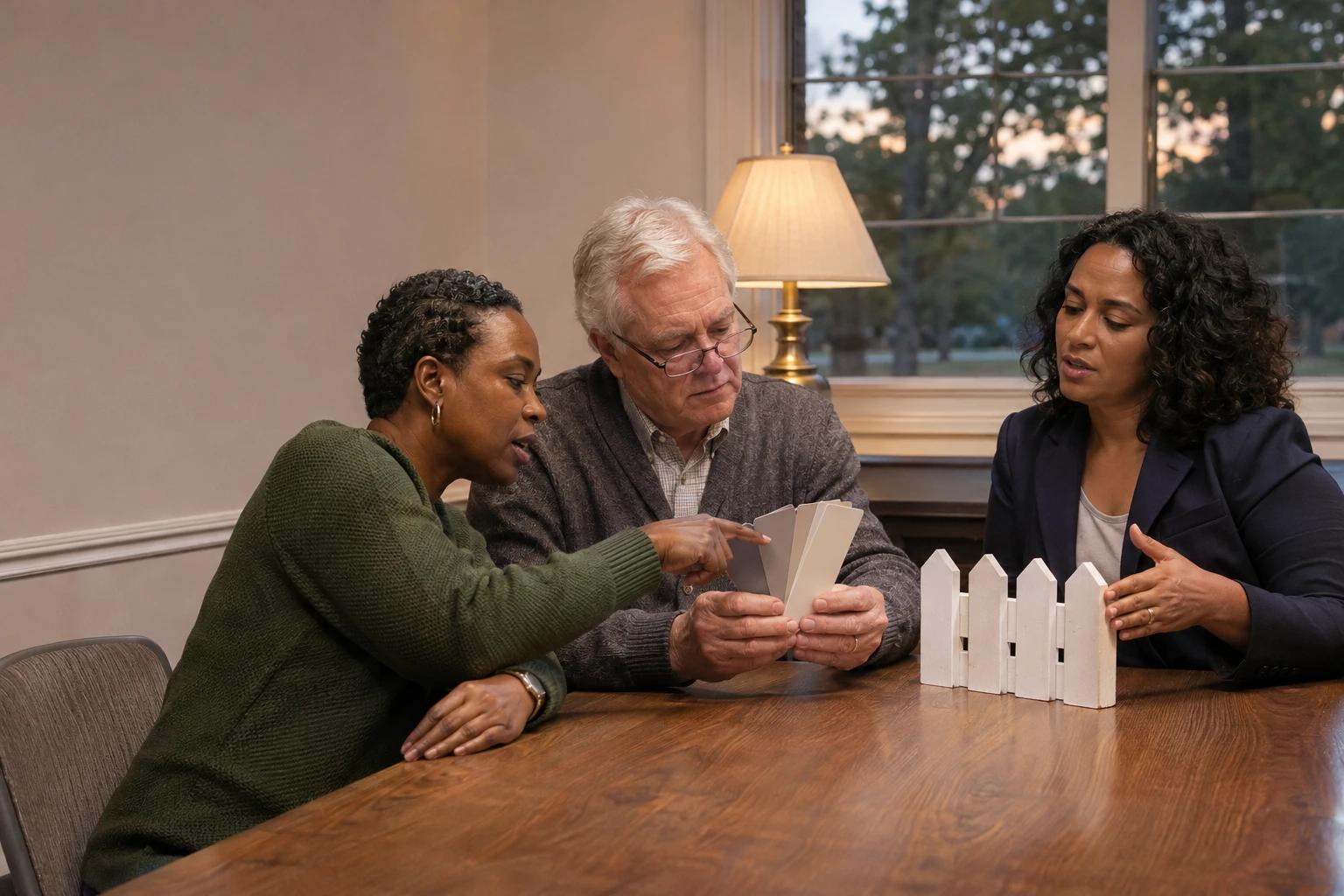
When the survey, height, and materials are checked before the packet goes out, the committee can spend its time on the fence itself.
Ways to start
Start with one workflow, or decide which one first.
The same engagements every client buys, with published starting prices. Here is what each one tends to look like for a community association management company.
- One focused workflow
EmpowerFrame QuickBuilds
Small workflow. Meaningful improvement.
For an HOA company: An emergency-keyword alert on the maintenance inbox, an ARC application checklist that catches missing documents, or an expiring-insurance alert for vendors.
From $295
Essential $295–$495; Plus $595–$995; Custom from $1,250. Your free Scope & Outcome Preview confirms a fixed price, scope, and timing for approval before payment.
What EmpowerFrame QuickBuilds involvesIncludes
- A free Scope & Outcome Preview before commitment
- One agreed workflow and written acceptance criteria
- Implementation after approval and payment
- Testing, a walkthrough, and handoff documentation
- Start here
AI Opportunity Map
Paid discovery that decides what should change, what should not, and what it is worth doing about it.
For an HOA company: Map every request type across your portfolio, find where the hours go, and decide what to automate first.
From $2,500
A starting point for a tightly bounded assessment, not a single price for every assessment. Scope is confirmed in writing before the work begins.
What AI Opportunity Map involvesIncludes
- Stakeholder and workflow discovery
- Current-state workflow mapping
- Cost-of-friction analysis
- Prioritized AI, automation, integration, process, and internal-tool opportunities
Focused Automation Build Sprint
One bounded, high-value workflow redesigned and implemented, with a named owner and agreed success criteria.
For an HOA company: Estoppel drafting or ARC routing, built, tested, documented, and handed to a named owner on your team.
From $5,000
A starting point for one bounded workflow. More involved production work costs more, and the number is confirmed in writing once scope is understood.
What Focused Automation Build Sprint involvesIncludes
- A confirmed future-state workflow
- Implementation architecture
- Configured automation, or a narrowly scoped internal capability
- Integrations within agreed boundaries
CAM workflows
Automation
Received
The application is logged and the homeowner gets an acknowledgment.
AI drafts
Complete
A draft check compares plans, materials, and signatures with the guidelines and flags what is missing.
Review gate
Person decides
Decided
The committee or board decides. The record shows who decided and when.
Every status needs a next step.
People keep the decision.
Where people stay in the loop
The engine does the legwork. People keep five kinds of decisions.
Binding figures and signatures
The association is held to what an estoppel certificate or approved minutes say, so a person checks and signs.
Spending above a threshold
Non-contract work over the approval limit needs the manager, and dual approval from the treasurer.
Due process before penalties
Violations get verified on site, and fines only follow notice and a board hearing.
Judgment and empathy
Hardship plans, fee waivers, damage calls, and subjective complaints get a human read.
Safety and entering homes
Emergency entry and who pays for water damage are decisions a manager owns.
Exceptions only
Some gates stay asleep unless something goes wrong: a vendor misses its SLA or a plan defaults.
Designed examples, not client results. The workflows on this page and in the demo are designed demonstrations with fictional data, not client deployments. Your governing documents, state law, and management agreements decide the details.
Who does the work, and how homeowner and association data is handled: About Jeff Jenkins and EmpowerFrame · How we protect client and resident information
Your systems stay
Start with the software you already run.
Association management platforms such as Vantaca, CINC Systems, Enumerate, TOPS, Caliber, AppFolio, and Buildium hold the ledgers, owner records, and work orders. The friction usually sits between them and everything else: the shared inbox, the website form, the vendor's emailed invoice, the spreadsheet a board treasurer keeps.
We map which system is the source of truth for each record, then connect around it. Replacing your platform is rarely the answer, and operating and reserve accounts stay under the control of the people responsible for them.
Already using one of these platforms?
See what its AI features and integrations actually document, and what to ask before you connect anything: Buildium, Rent Manager, Vantaca, CINC Systems, Enumerate, FRONTSTEPS. All Software & AI Guides
Free tools for management teams
Put rules around the AI your team already uses.
Most teams start using AI before anyone writes down what is allowed. Start with the policy, then measure the work it touches.
AI Policy Studio
An AI policy written for community management
Rules for owner and resident data, board materials and executive session, and the AI already built into your management software. Your logo, in Word, PDF and Markdown.
Build your policy- Software finderCompare HOA management platforms24 rental and HOA platforms side by side, or a 2-minute quiz for your top three.Open the finder
- AssessmentAI readiness assessmentTen questions across five areas, with your score right away.Take the assessment
- CalculatorManual workflow cost calculatorThe hours one manual process costs each month and year, rework included.Run the numbers
Questions from HOA management companies
Do we have to replace our association management software?
No. Automation is built around the platform you already run, such as Vantaca, CINC, Enumerate, or AppFolio. We decide with you which system owns each record, then connect the inboxes, forms, and documents around it.
Will homeowners end up talking to a bot?
Only where that is what you choose. Most of the value is behind the scenes: capturing requests completely, routing them, and tracking them to done. Homeowners get faster acknowledgments and status updates, and a person still handles anything sensitive or disputed.
What stays with our community managers and the board?
Binding figures and signatures, spending above approval limits, violations and fines, hardship decisions, interpreting the governing documents, and entering homes. The automation prepares the work and waits for a person at each of those points.
Where should a management company start?
Usually with ARC applications, estoppel drafting, or maintenance intake. All three arrive every week, follow clear rules, and are visible to homeowners, buyers, and boards, so improvements are noticed quickly.
How much does AI consulting cost for an HOA management company?
It depends on how well the work is already understood. One clearly defined automation can be a QuickBuild, from $295, with a fixed price confirmed in a free Scope & Outcome Preview before you pay anything. When the right starting point is not clear, an AI Opportunity Map, from $2,500, maps the workflows and ranks what is worth building. A Focused Automation Build Sprint starts from $5,000, and ongoing support through the AI Ops Care Plan starts from $1,500 per month. Each figure is a starting point, not a quote; scope and price are confirmed in writing before work begins, and the first Fit Conversation is free.
What does an AI consultant actually do for an HOA management company?
Maps how leads, requests, and back-office work move today; decides which steps fixed rules should handle, where AI should draft or sort, and which decisions stay with your people, such as violations and fines, binding estoppel figures, and spending approvals; then builds or configures the automation around Vantaca, CINC, Enumerate, or TOPS, trains the team to run it, and measures whether it helped. EmpowerFrame is a consultancy, not a software vendor, so the recommendation is not tied to a software product of its own.
Can this help us win new associations?
It can give you more to show a board. Boards weigh responsiveness, transparency, and cost containment, and tracked requests, a live view of open items, and matched invoices are things a proposal can demonstrate rather than promise.
What happens to homeowner and association records while you work?
A first conversation needs no passwords, ledgers, or homeowner files. When the work needs real records, we work in accounts your company or the association owns, with access limited to the approved work and revocable when it is no longer needed, under a mutual confidentiality agreement if you want one. Homeowner records stay in your management software, never consumer AI tools. This describes our approach, not a security certification.
Do you work with management companies outside Georgia?
Yes. EmpowerFrame is based in Cumming and works on-site within about an hour of Cumming, including the GA-400 corridor and North Metro Atlanta, and remotely with management companies elsewhere. State association law varies, so the rules built into any workflow are confirmed against your governing documents and counsel.
Next step
Start with a free Growth Snapshot of how boards and homeowners find and reach your company. Or bring the request types that eat your managers' week. The same form takes both.