Decision guide
Does this workflow need AI, automation, or a better process?
The best tool depends on the decision inside the work. Separate repeatable rules from interpretation, and keep a person responsible where the outcome matters.
AI vs. Automation for Business Workflows
Start with the decision, not the software
Write down the input, the decision, the output, and who is accountable for it. A request may look like one task in a software tool while containing several different decisions. For example, a document intake flow might receive a file, extract fields, check required information, route an exception, and authorize a payment. Each part deserves a different level of control.
Before adding technology, ask whether the trigger, owner, required information, and acceptance criteria are clear. If two experienced employees cannot agree on what should happen, the first task is process design.
Use the simplest dependable lane
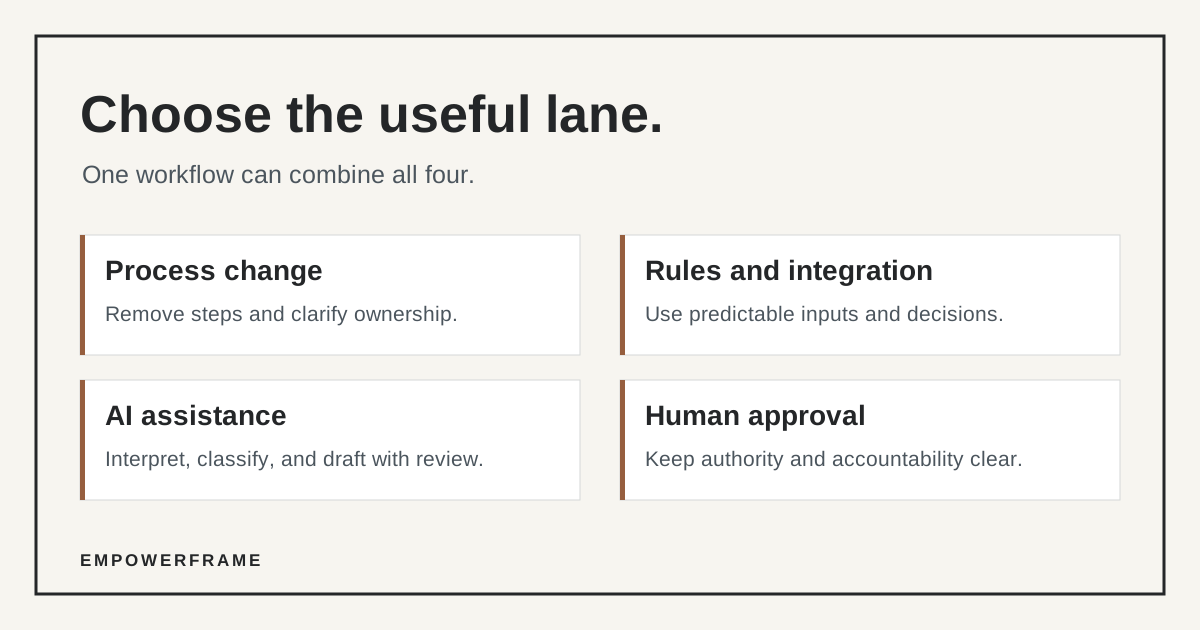
The lanes below are a starting rule, not a substitute for testing. A single workflow can use more than one lane, with explicit handoffs between them.
Process change
Use it when duplicate steps, unclear ownership, or unnecessary approvals cause the pain. Remove or clarify those steps first. A new tool cannot make a confusing policy coherent.
Rules and integration
Use them when inputs are structured and the same conditions should produce the same result every time. Examples include moving approved fields between systems, checking required values, and routing a complete request.
AI assistance
Use it when the work requires reading messy text, classifying an ambiguous request, finding relevant material, or drafting a response. Give it a bounded task, a way to inspect the output, and an exception path.
Human approval
Keep it for authorization, external commitments, financial decisions, sensitive exceptions, and other material risk. AI can prepare information for the reviewer without becoming the decision maker.
Test the failure path before promising savings
Choose a small set of real examples, including incomplete inputs, unusual wording, conflicting records, and cases that must stop for review. Define what a correct result looks like before testing a tool. Then record false positives, missed exceptions, time spent reviewing outputs, and whether staff use the new path in daily work.
For a pilot, name the owner, the system of record, who can change the rules or prompts, and what happens if the service is unavailable. Do not send sensitive information into a new tool before deciding what data it may receive and who can access the output.
A useful answer may be a mixed workflow
Consider a support request arriving by email. A rule can log the request and check for an account ID. AI can suggest a category or draft a response using approved knowledge. A person can verify a sensitive answer or a commitment to the customer. The system can then send the approved response and record the decision. This is an illustrative design, not a claim about a client project.
Measure the resulting cycle time, corrections, exception rate, and staff adoption. If review takes as long as the original task, narrow the AI step or return it to a person. The goal is a workflow the team can run and improve, not an impressive demo.
Five questions before a pilot
Use these to scope one workflow with its owner and the people who perform it.
- Decision
- What specific decision or output are we trying to improve?
- Variation
- Which cases follow clear rules, and which require interpretation?
- Authority
- Who can approve, reject, or override a result?
- Failure
- What happens when information is missing, wrong, or unavailable?
- Evidence
- Which baseline and pilot measures will show whether this helped?
If the owner or exception path is unknown, resolve that before buying or building the tool.
Next step
EmpowerFrame maps and redesigns a workflow before building the automation that belongs in it.